
Jetpack Forms is a simple and reliable form builder included with the Jetpack plugin, making it easy to add contact and feedback forms to any WordPress site. GoDAM Jetpack Forms integration lets you capture leads directly from videos when added as an interactive video layer. It’s a great way to make your videos more engaging and interactive, helping you collect user responses seamlessly. All form submissions are securely stored and accessible through the Jetpack’s Forms section in your WordPress dashboard.
How to integrate the Jetpack Form inside a video at a specific timestamp
Requirements
To follow this tutorial, you will need:
Step 1: Create a Jetpack Form
Start by setting up a new form in your WordPress Jetpack forms dashboard. Define the basic structure and fields you need, such as name, email, or any other required information. Skip this step if you’re using an existing form.

Step 2: Open the video editor interface
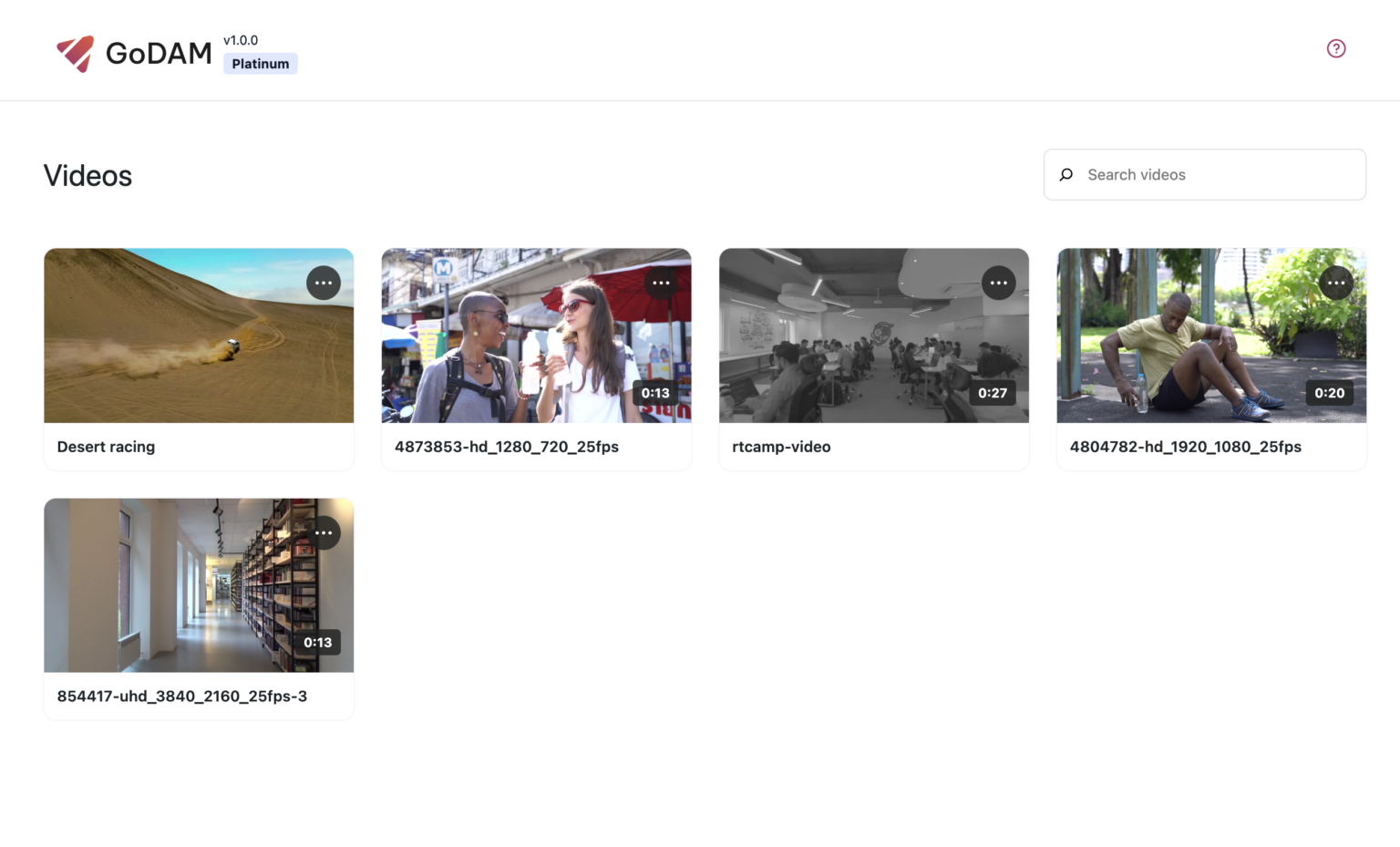
Visit the WordPress media library and find the video on which you want to integrate the form. Click on the video and then the Edit Video button. It will open up a new screen where you can edit a specific video and insert the form at a specific timestamp.
OR
Visit GoDAM Video Editor page and select the video on which you want to insert the Jetpack form layer. It will open up a new screen where you can edit a specific video and insert the form at a specific timestamp.


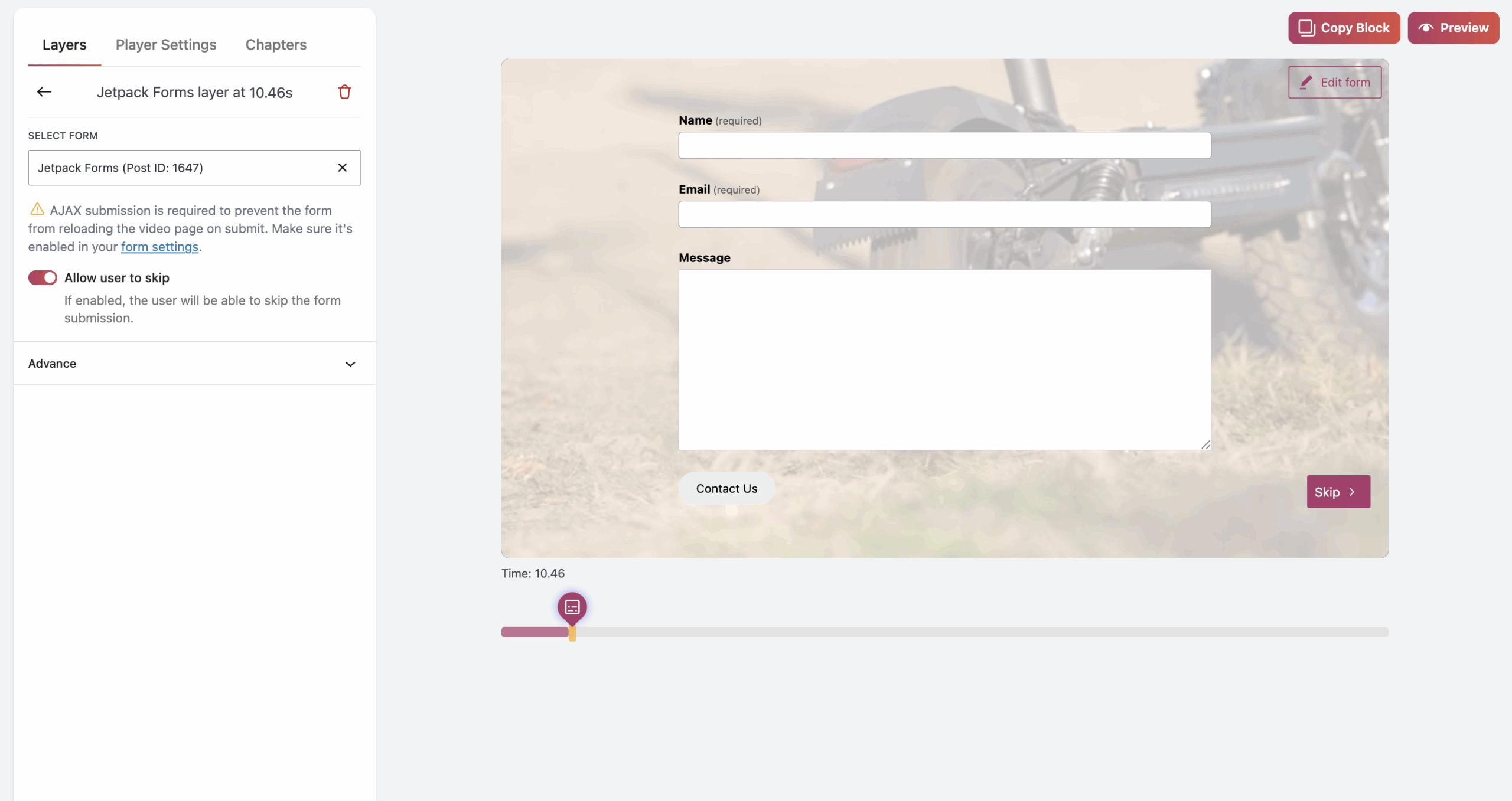
Step 3: Insert the form layer inside a video and save
Step 4: Add a GoDAM video on a post or a page
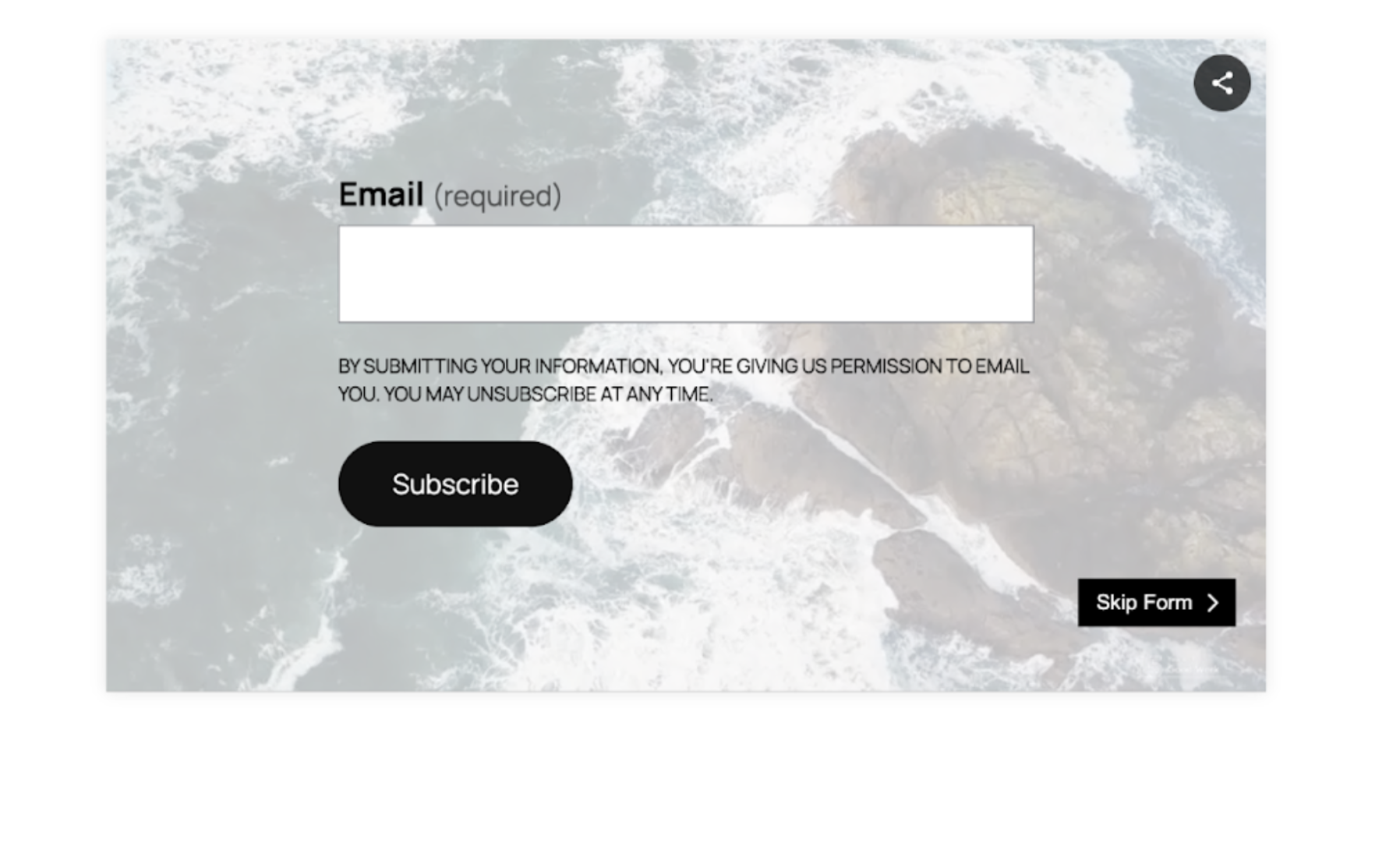
Visit any post or page where you want to insert the video in which you added the Jetpack form. You can use the “GoDAM video” block or [godam_video id=”1”] shortcode to insert a video inside a post or page.

To learn how to view user entries, refer official documentation of Jetpack forms.
You can also watch the video to learn the full steps.