
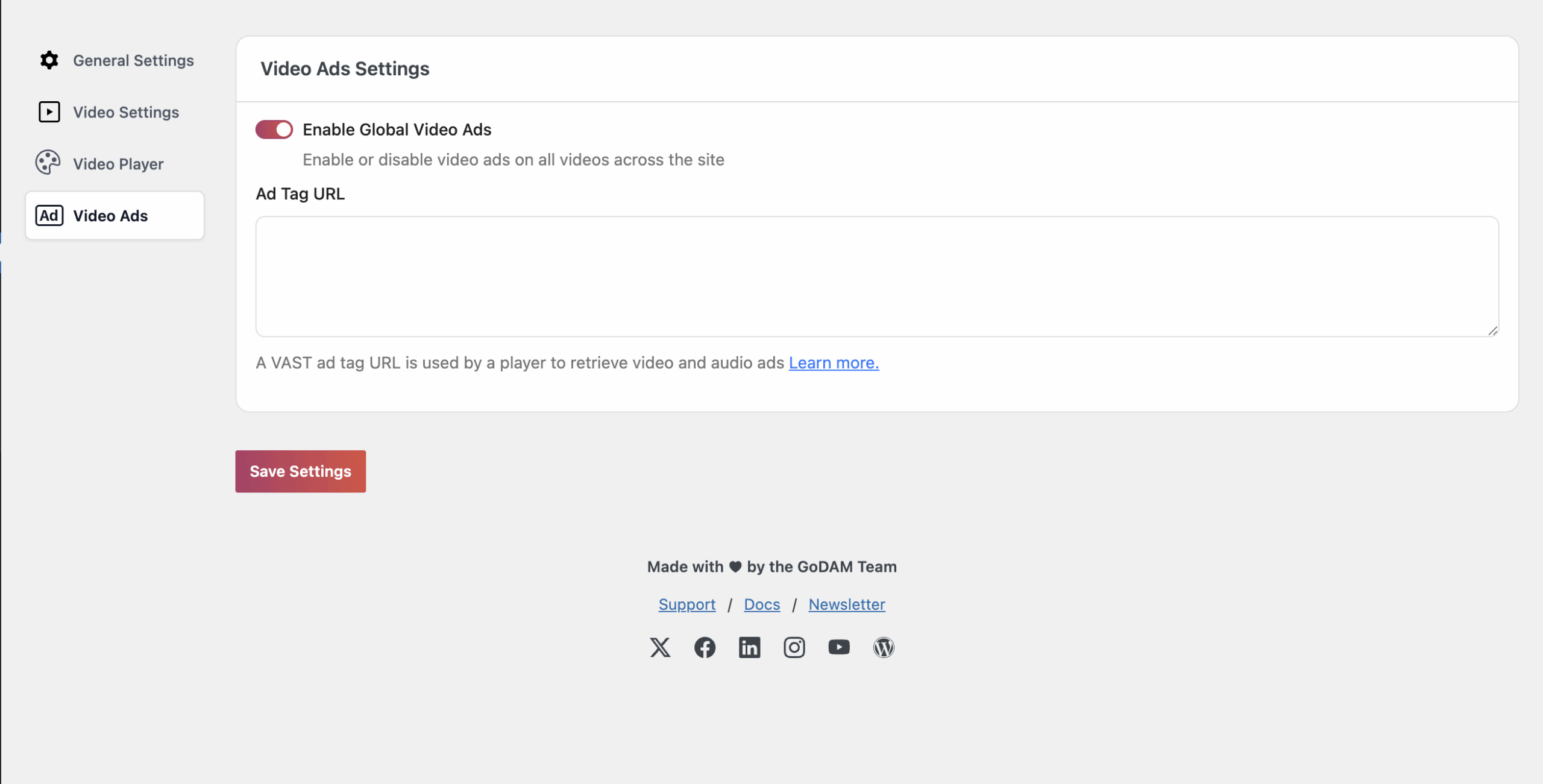
- Enable GoDAM Global Video Ads:
GoDAM’s Global video ads settings allow you to enable ads globally across all GoDAM videos, eliminating the need to configure it for every single video. It functions similarly to the server ad integration available under appearance customization for individual videos, but instead of being applied on a per-video basis, these ads are activated site-wide.
To learn how to integrate third-party ads using a VAST tag or other supported formats, refer to this guide.
To get started, simply enable the GoDAM Global Video Ads toggle and enter a valid VAST ad tag URL provided by your ad server (such as Google Ad Manager). The GoDAM Player will use this tag to dynamically retrieve and display video or audio ads during playback.
For detailed instructions, refer to the official Google Ad Manager guide on VAST tags.
Once saved, your VAST tag will be used to request and serve ads across all video content using the GoDAM Player, ensuring a consistent and scalable monetization setup.